Let the Tsums play themselves.
Draws long chains, fires skills on cue, pops bubbles with a plan, sends hearts, opens the mailbox and buys boxes. Round after round, while you do something else.
The script in under 40 seconds
An auto-player that keeps score.
It runs inside the GAP app. It watches the board, plans and draws chains, fires your Tsum's skill when the gauge fills, and repeats for as many rounds as you set.
Between rounds it does the chores: sending hearts, collecting the mailbox, opening boxes and raising level caps. Every round's score and coins are written to a file you can keep.
Hands off the screen
Begin with the starter tool
Everything starts on your computer. The starter tool is a small download that opens a page in your browser, starts GAP's service on your phone or emulator, and installs the app if you don't have it yet. Four steps take you from download to hands-off play.
- 1
Get the starter tool
Download the starter tool on your computer, extract it and run Start-Windows (or Start-Linux on macOS and Linux). A page opens in your browser.
- 2
Start the service
Pick your phone or emulator on that page and press Start service. Android only lets a computer start GAP's helper, so do this again after the device restarts.
- 3
Install GAP and the script
No GAP yet? Press Download & install the latest APK on the same page and tap Add when GAP offers the Tsum Tsum library. Then add Tsum Tsum from GAP's Library.
- 4
Set it and start
Pick a skill, a chain length and your chores, open Tsum Tsum, then tap Play on the floating bar.
What's in the sewing box
Auto-play
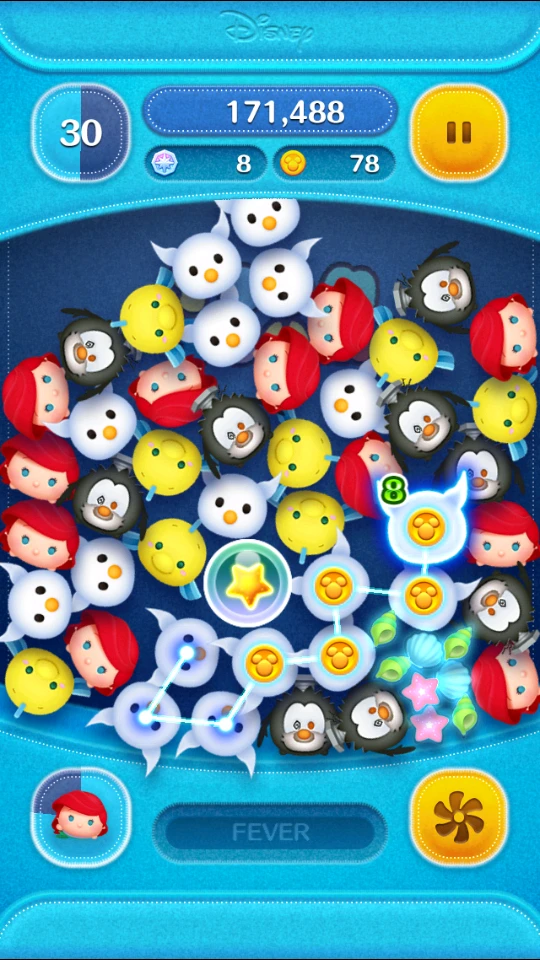
Finds the longest chains on the board and links them, round after round.
Skill timing
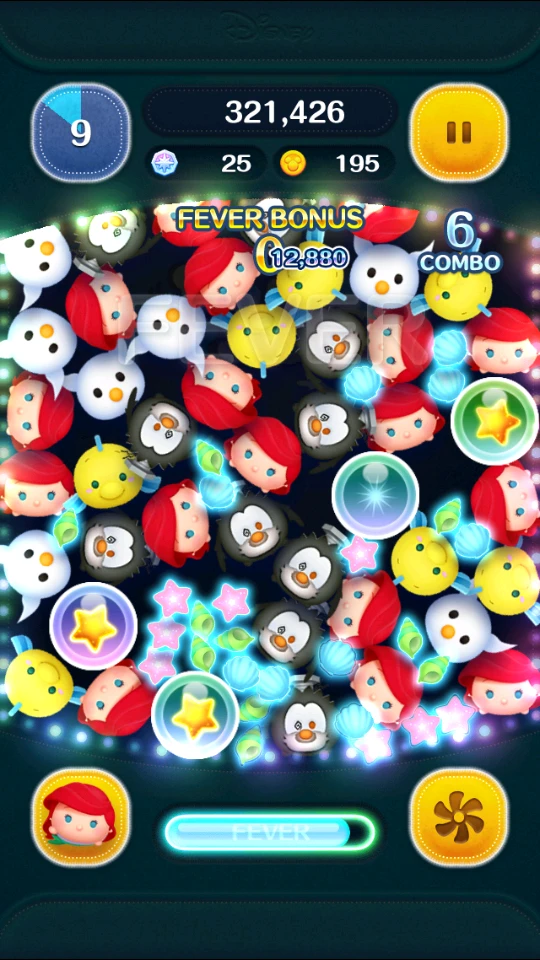
Fires your Tsum's skill the moment the gauge fills, with choreography for the tricky ones.
Bubble strategy
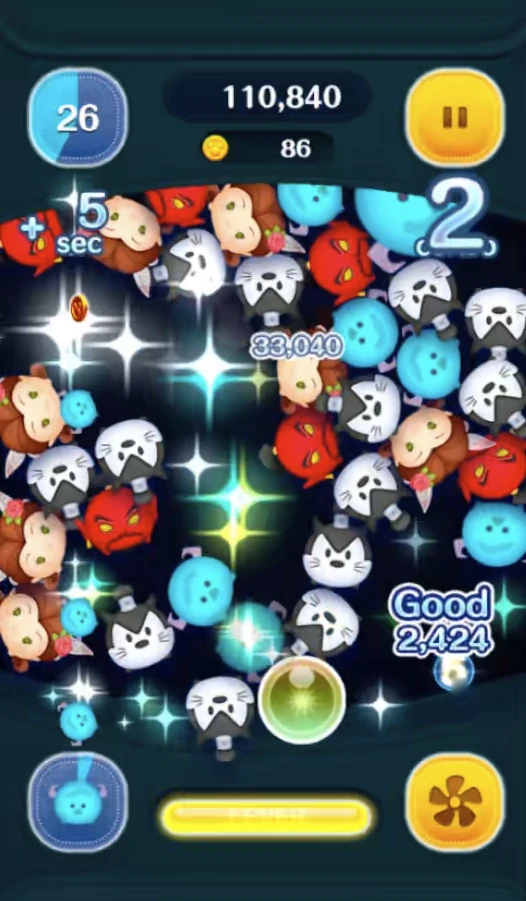
Spends the bubbles the board leaves lying about, or saves them for when they help most.
Heart sending
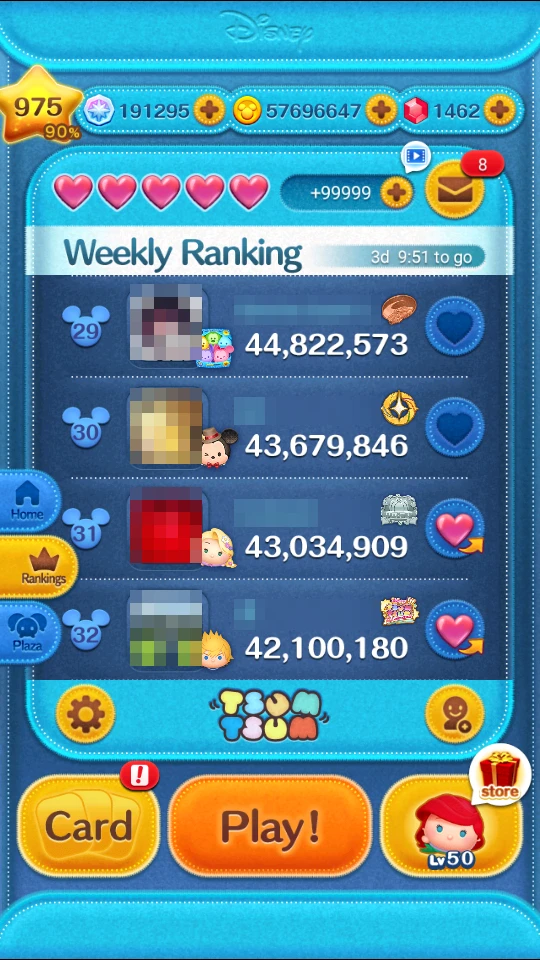
Sends hearts to your friends on a timer, so nobody's waiting on you.
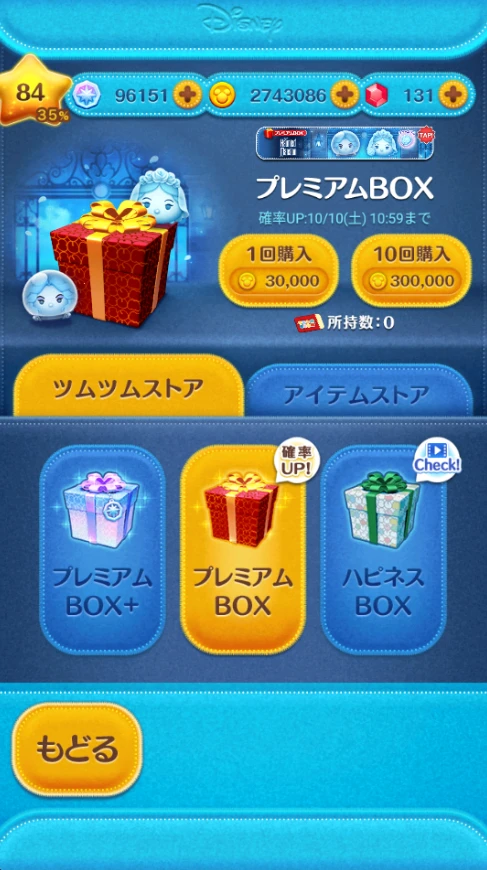
Box buying
Buys the box you picked on a schedule, and never spends rubies.
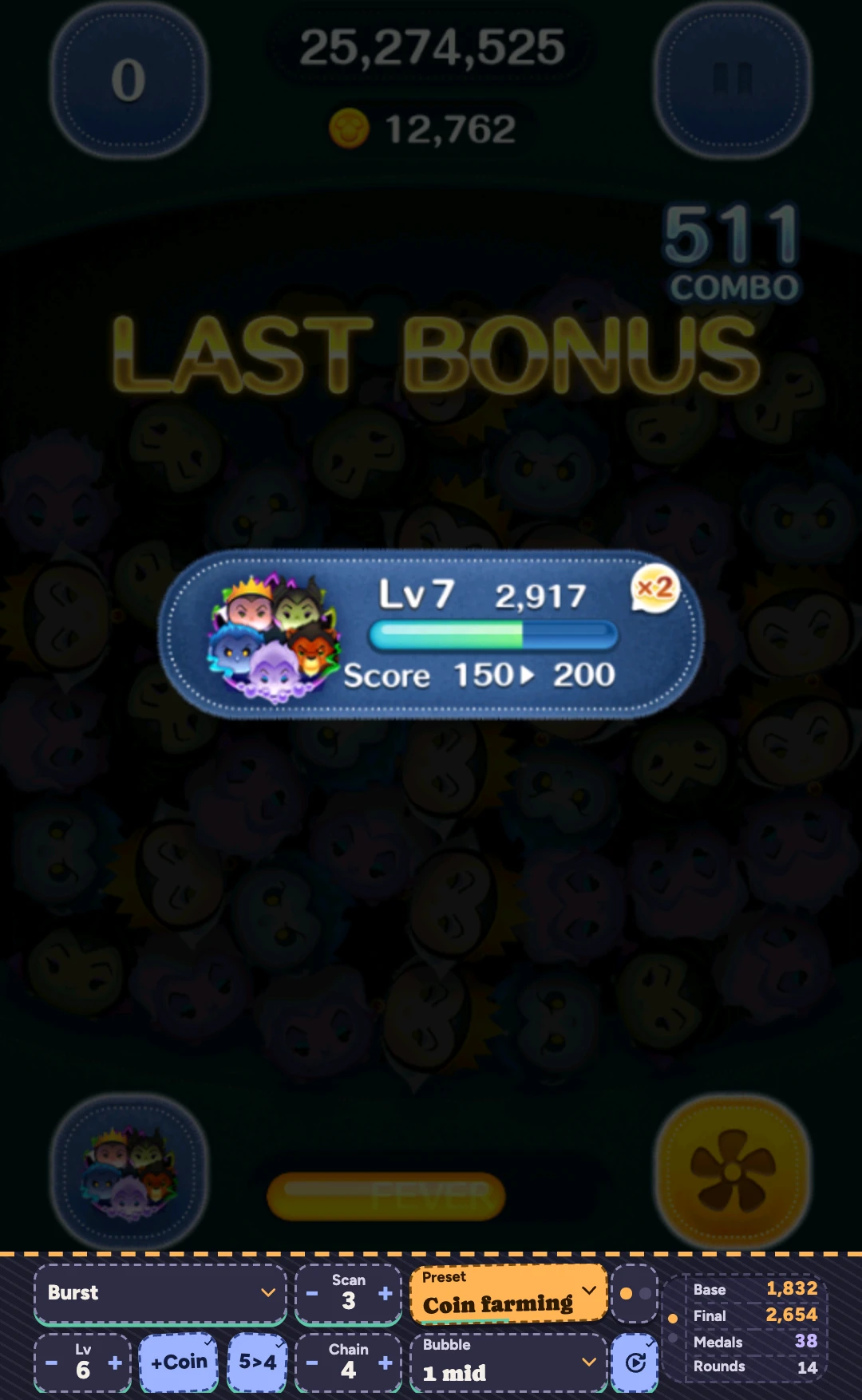
Quick Bar
A strip of live settings along the bottom edge, for changing things between rounds.
Questions? Come and chat.
Support, settings advice and new-feature talk all happen in the GAP Discord. Say hello, share a preset, or send in a problem report.
 Join the Discord